Shorter rounds
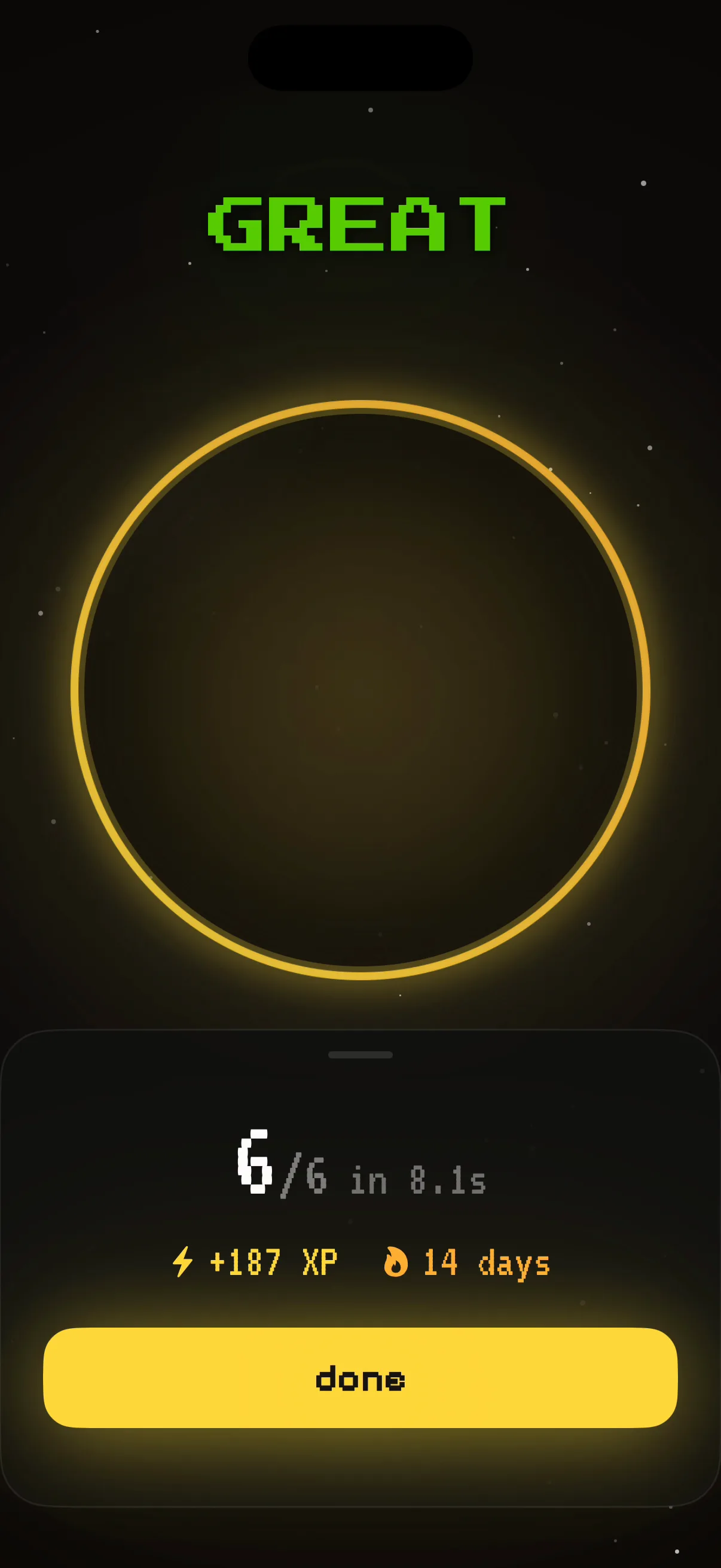
Early versions stayed on screen longer. That made the gate feel frustrating, so each challenge was narrowed to an eight-to-fifteen-second window.
WK-01 · Self-initiated iOS app · Ready for testing
A personal iOS alarm build that replaces snooze with one of ten short, randomized wake-up games, then moves directly into feedback and the first tasks of the day.
Evidence noteThis was sustained self-testing of a personal production build, not a formal user study.
01 / Wake loop
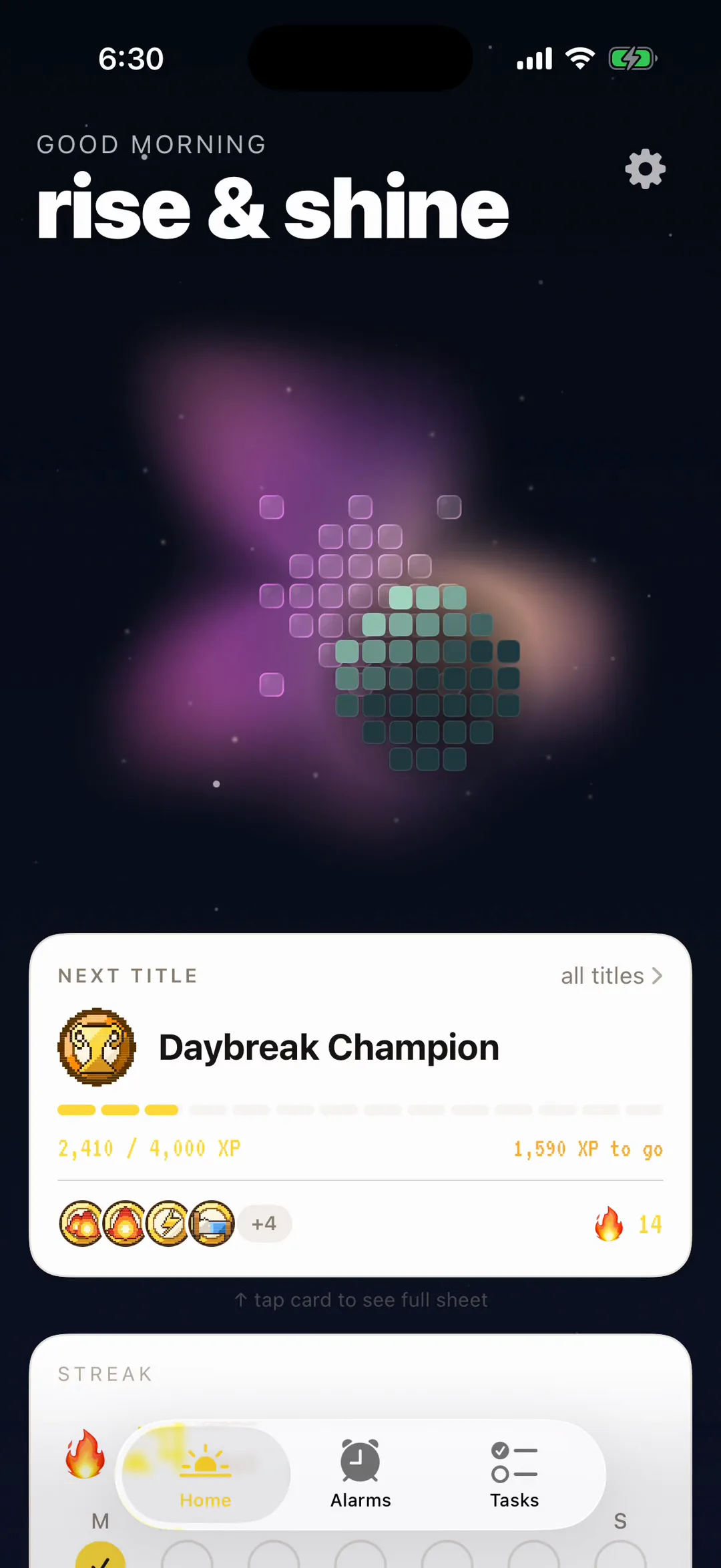
An alarm can be dismissed before someone has consciously decided to get up. Wakeup! replaces that reflexive gesture with a brief cognitive task, immediate feedback, and the morning’s first tasks.
02 / Iteration
Early versions stayed on screen longer. That made the gate feel frustrating, so each challenge was narrowed to an eight-to-fifteen-second window.
The system expanded to ten games and stopped serving the same cognitive channel twice in a row.
03 / Reliability
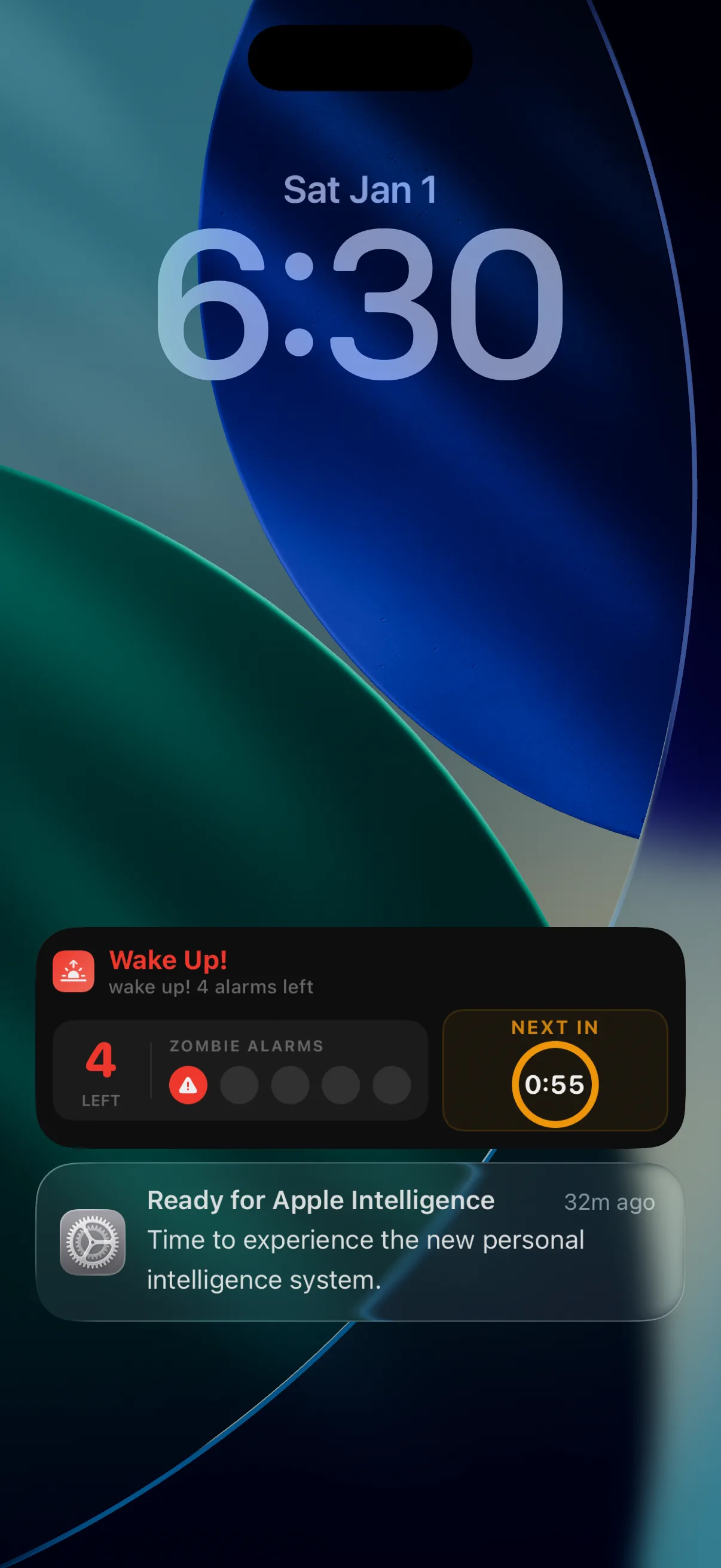
The experience splits into an answered path and an ignored path. Five follow-up alarms are scheduled one minute apart, and stored AlarmKit metadata keeps the Lock Screen accurate even after iOS has stopped the app process.
Alarm → game → result → tasks → completed cycle.
Alarm → follow-up chain → exhausted state → graceful stop.
04 / Product system
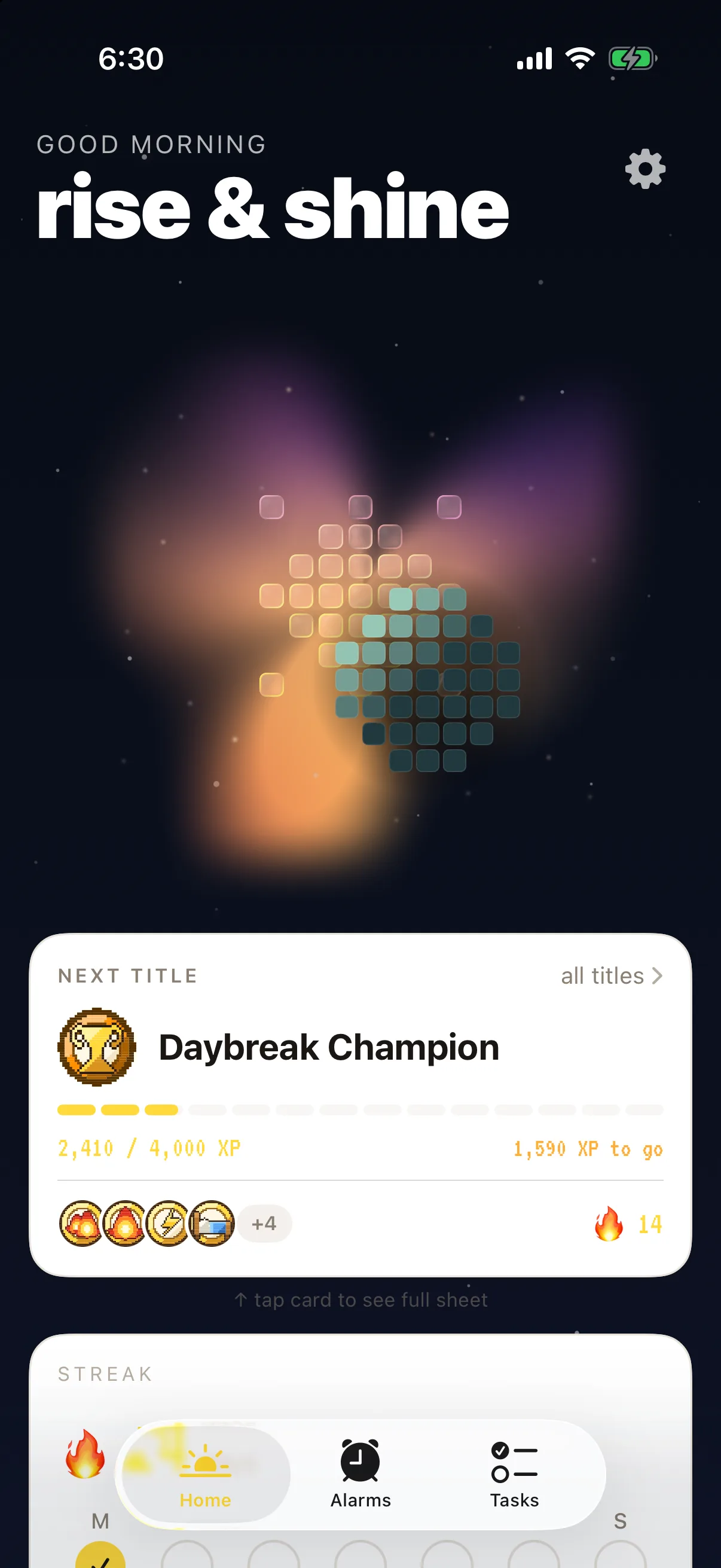
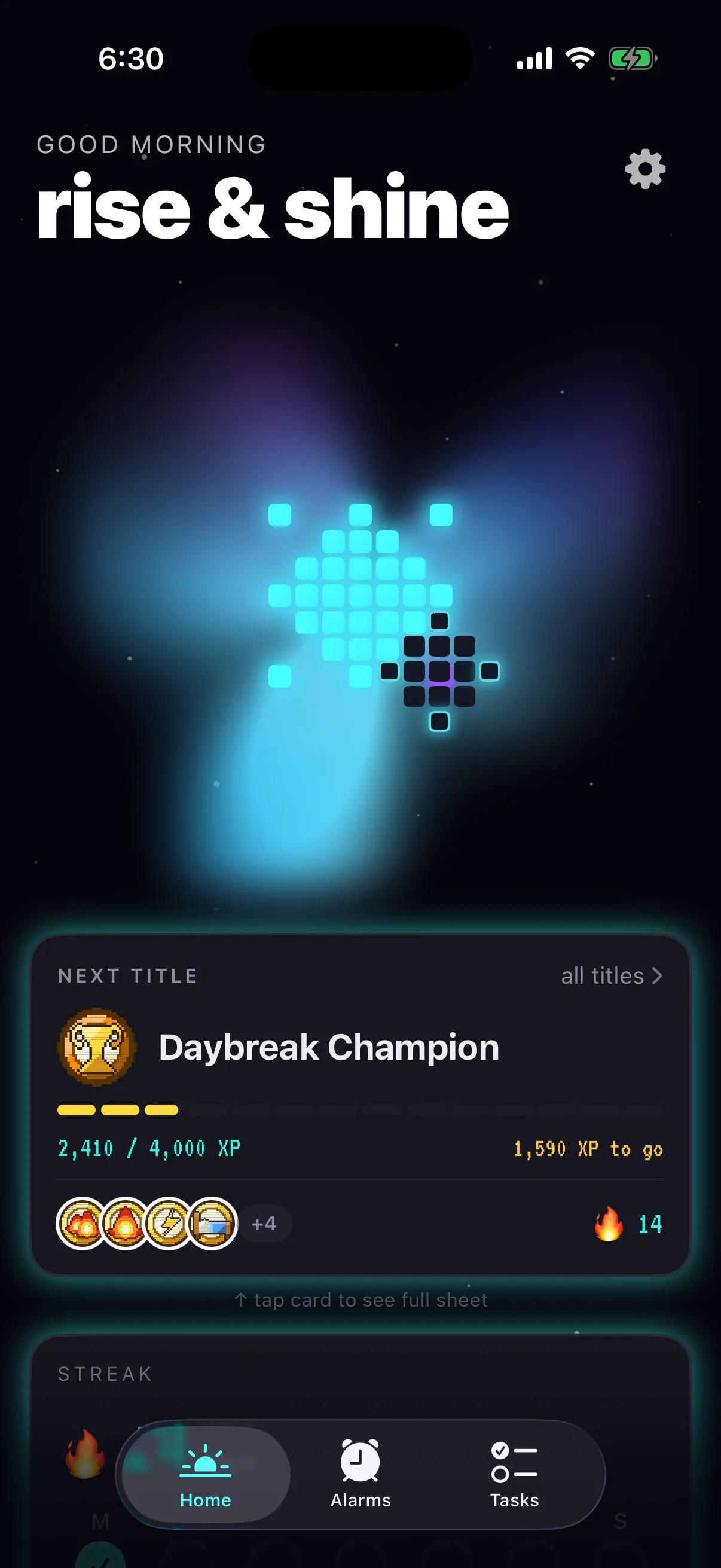
Each theme defines cards, shadows, corner radii, typography, headline casing, and clock style. Shared color and type tokens let the app and widgets adopt each identity without duplicating their interface logic.
05 / Outcome
Across more than two months of personal workday use, I did not return to sleep after finishing the game. That is one person’s self-test, not a general claim about effectiveness.